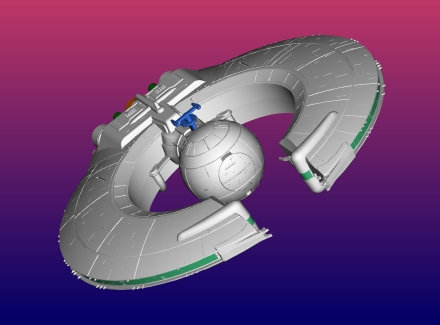
How about that colored gradient background in newer versions of Pro?
Looks pretty cool most of the time, but ... Do you have trouble with shaded
models? ... Do you want to speed up your display?
For some computers the blended background causes trouble with shaded models - especially with dynamic
spin, pan and zoom. It can also slows down the redisplay.
To turn off the blended background, select UTILITIES > COLORS > SYSTEM, then
when the SYSTEM COLORS dialogue box appears, just un-check the box at the bottom labeled
BLENDED BACKGROUND. This will set the background to the default (or the color setting
in your config.pro).
This will speed up the display, and help with shaded model operations.
To make your system come up this way every time, save the settings of the SYSTEM COLORS
dialogue box by selecting File > Save in the dialogue box. When asked where to
save the file, pick a stable place you know. Then add the path to your config.pro something like: