| Replace to get the Contour
Need a complicated shape or adherence to some pre-defined geometry?
Try TWEAK / REPLACE.
Here is a simple demonstration of how REPLACE can be used to easily achieve the desired, though complex results.
Image 1 shows the original model. The protrusion on the back with
the flat sides really should conform to 3 of the sides of the previous
geometry. To accomplish this, the protrusion is EXTRUDED /
BOTH SIDES / UP TO SURFACE to accomplish the shape
in Image 1. (This accomplishes adherence to two of the faces, but
as can be seen, the third might be a problem.) |


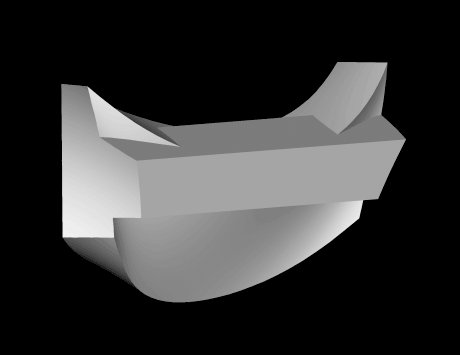 Image 1
 Image 2
 Image 3
 Image 4